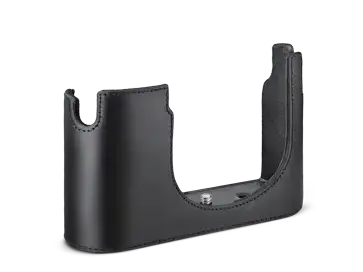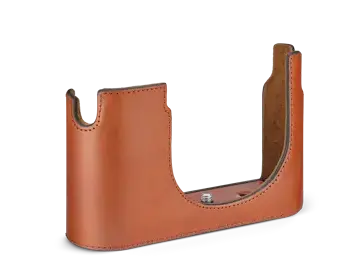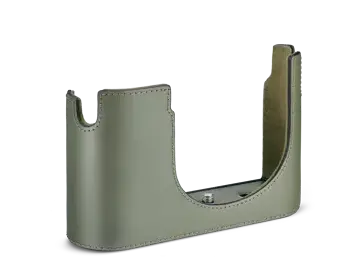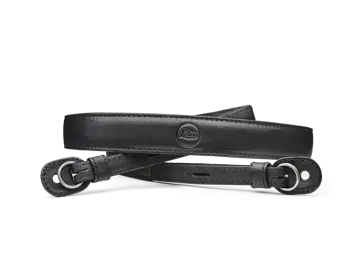
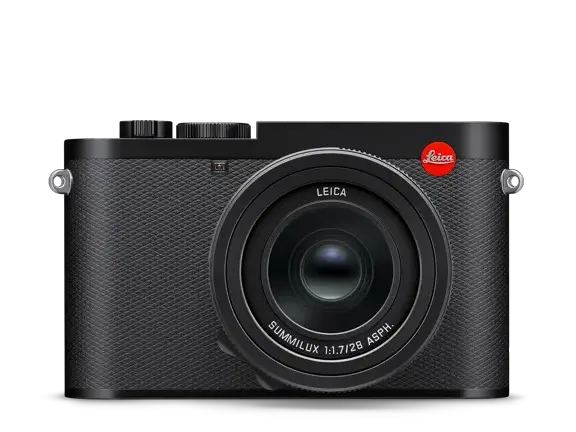
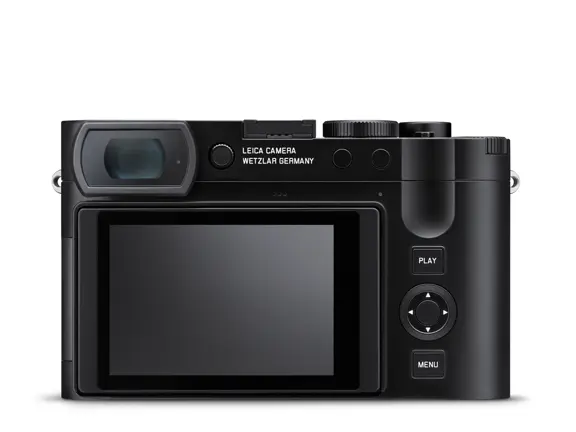
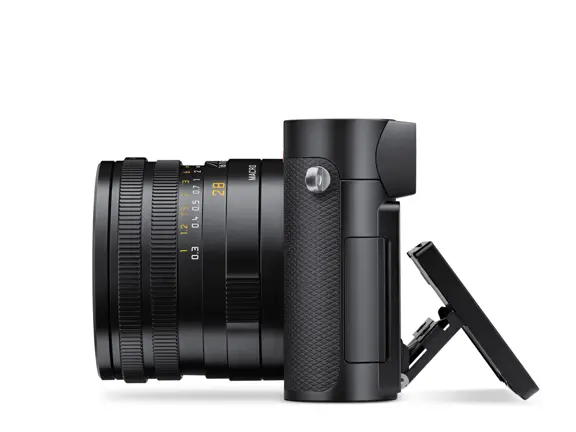
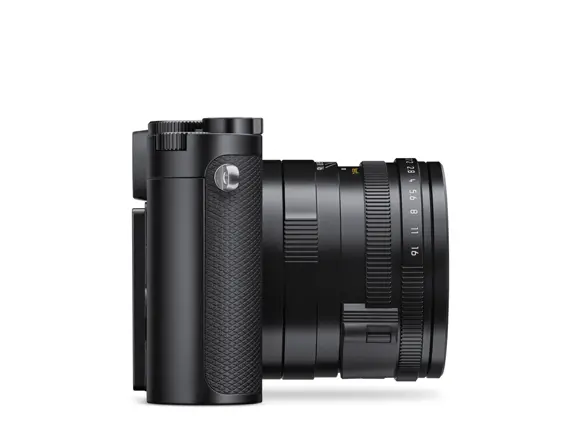
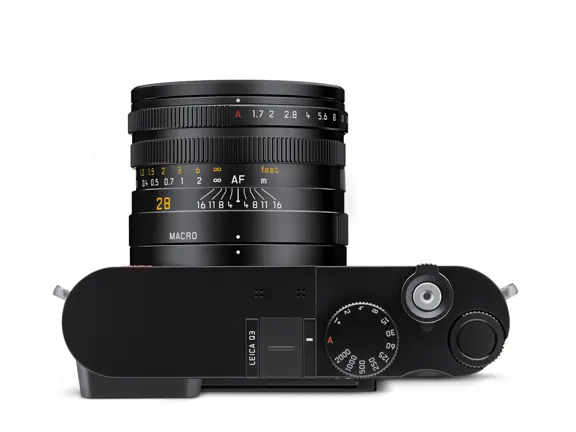
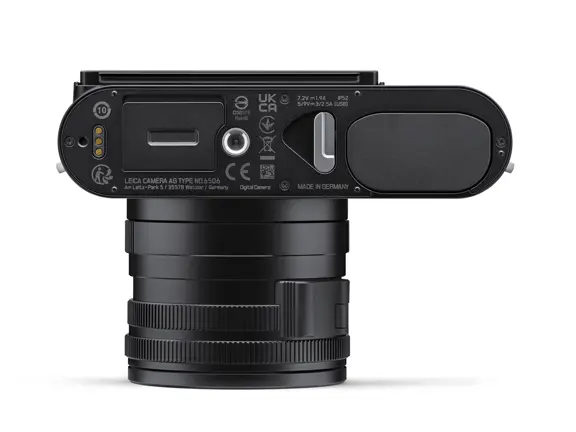
Leica Q3
Das Wesentliche
Full-frame BSI CMOS Sensor with Triple Resolution Technology (60MP / 36MP / 18MP)
Summilux 28mm f/1.7 ASPH. fixed lens with integrated macro mode
Hybrid Autofocus System (Phase Detection AF + Contrast AF + Depth from Defocus + AI)
Tiltable 3" display and 5.67MP OLED viewfinder
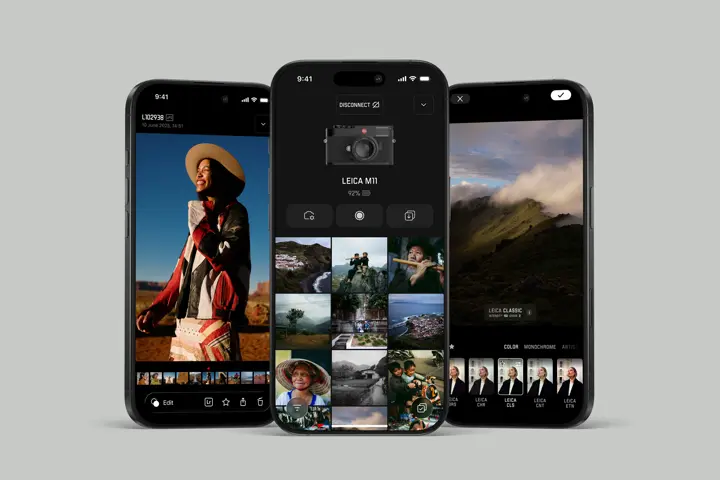
Fast and convenient connectivity with the Leica FOTOS app
USB-C and HDMI ports
Up to 8K-Video and multiple video formats including .h265 and ProRes
Made for iPhone and iPad
IP52 ingress protection
The compact Leica Q3 full frame camera delivers amazing image quality for photo and video in virtually any kind of lighting. It is exceptionally easy to use, and seamlessly connected to the Leica FOTOS app, empowering anyone to create audio-visual content in breath-taking quality. Capturing a unique point of view with the Leica Q3 means committing to a camera that integrates easily, naturally, and intuitively into everyday creative processes. A unique companion that combines style and cutting-edge technology.
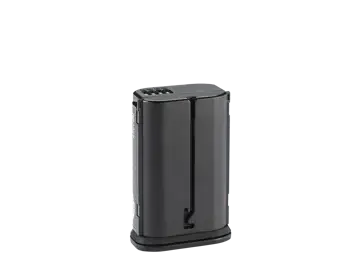
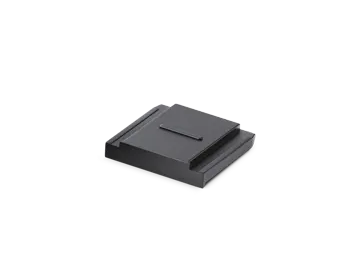
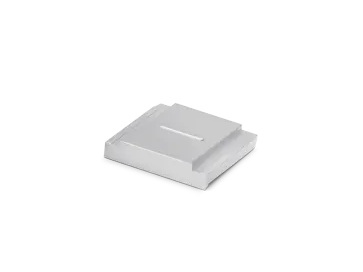
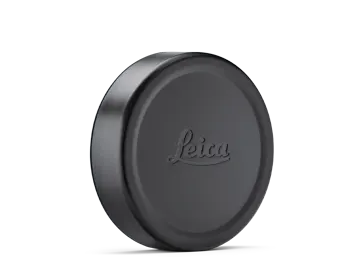
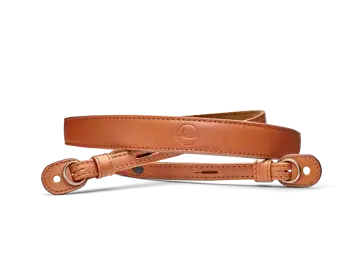
Camera Body, leather carrying strap, battery, lens hood, lens cap, accessory shoe cover, instructions
Brand: Leica
Company Name: Leica Camera AG
Street Address: Am Leitz-Park 5
Country: Germany
Postal Code: 35578
City: Wetzlar
Person Responsible: Leica Produkt Support
Email Address: info@leica-camera.com
Phone Number: +49 6441 2080 111
General Information
- Do not use your camera in the immediate vicinity of devices that generate powerful magnetic, electrostatic or electromagnetic fields (e.g., induction ovens, microwave ovens, television sets or computer screens, video game consoles, cell phones, broadcasting equipment). Their electromagnetic fields can interfere with image capturing.
- Strong magnetic fields, e.g., from speakers or large electric motors, can damage the stored data or disrupt shooting.
- Switch off the camera, remove the battery briefly, replace it, and switch the camera back on in case of a camera malfunction due to the effects of electromagnetic fields.
- Do not use the camera in the immediate vicinity of radio transmitters or high-voltage power lines. Their electromagnetic fields may also interfere with image capturing.
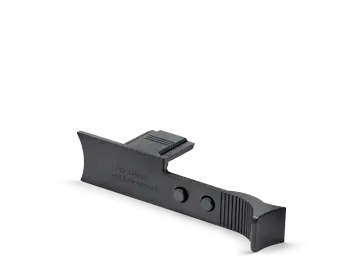
- Always store small parts, e.g., the accessory shoe cover, as follows:
- Out of the reach of children
- In a safe location, where they will not get lost or stolen
- State-of-the-art electronic components are sensitive to static discharge. You can easily pick up charges of several 10,000 volts by simply walking on synthetic floor coverings. A static discharge can occur when you touch the camera and especially if it is placed on a conductive surface. A static discharge on the camera housing poses no risk for the electronics. Despite built-in safety circuits, you should avoid direct contact with external camera contacts like those in the flash shoe.
- Take care not to soil or scratch the sensor for lens detection in the bayonet. You must similarly prevent direct contact of the bayonet with grains of sand or similar particles, as these could cause irreparable damage. This component must only be cleaned with a dry cloth (in system cameras).
- Use a cotton or linen cloth instead of a microfiber cloth from an optician's (synthetic) when cleaning the contacts. Make sure to discharge any electrostatic charge by deliberately touching a heating or water pipe (conductive, grounded material). Dirt deposits and oxidation on the contacts can be avoided by storing your camera in a dry location with the lens cap and the flash shoe/viewfinder cap (in system cameras) attached.
- Only use accessories specified for this model to prevent faults, short circuits or electric shock.
- Do not attempt to remove parts of the housing (covers) yourself. Repairs must be done at authorized service centers only.
- Protect the camera against contact with insect sprays and other aggressive chemicals. Petroleum spirit, thinner and alcohol must not be used for cleaning. Some chemicals and liquids can damage the camera housing or the surface finish.
- Rubber and plastics are known to expel aggressive chemicals and should therefore not be kept in contact with the camera for extended periods of time.
- Prevent any sand, dust, or water penetration into the camera, e.g., during snowfall or rain or on the beach. Be extra careful when changing the lens (in system cameras) and when inserting or removing the memory card and rechargeable battery. Sand and dust can damage the camera, the lens, the memory card, and the battery. Moisture can cause malfunctions and irreparable damage to the camera and memory card.
Lens
- A camera lens can have the effect of a magnifying glass when exposed to direct frontal sunlight. The camera must therefore be protected against extended exposure to direct sunlight.
- Attaching the lens cap and keeping the camera in the shade or ideally in its camera case will help prevent damage to the interior of the camera.
Rechargeable Battery
- Improper use of the batteries or the use of unapproved battery types may result in an explosion!
- Do not expose the rechargeable battery to sunlight, heat, humidity or moisture for prolonged periods of time. Likewise, the batteries must not be placed in a microwave oven or a high-pressure container as this would pose a fire or explosion hazard!
- Do not under any circumstances charge or insert a damp or wet battery into the camera!
- A safety valve in the battery ensures that any excess pressure caused by improper handling is discharged safely. It is nevertheless important to dispose of a bloated battery immediately. It may pose an explosion hazard!
- Keep the battery contacts clean and easily accessible. Although lithium-ion batteries are secured against short circuits, they should still be protected against contact with metal objects like paper clips or jewelry. A short-circuited battery can get very hot and cause severe burns.
- When a battery is accidentally dropped, make sure to check the housing and the contacts immediately for any damage. A damaged battery can damage the camera.
- The battery must be removed from the camera or charger and must be replaced immediately in case of a strange smell, discoloration, deformation, overheating or leakage. Continued use of the battery may result in overheating, which can cause fire and/or explosion!
- Never throw batteries into a fire as they may explode.
- Keep the battery away from sources of heat in case of leakage or if you smell burning. Leaked fluid can catch fire!
- The use of other chargers not approved by Leica Camera AG can cause damage to the batteries – and in extreme cases – cause serious or life-threatening injuries.
- Make sure that the power socket is freely accessible at all times.
- Do not attempt to open the battery or the charger. Repairs must only be carried out by authorized service centers.
- Keep batteries out of the reach of children. Batteries can cause suffocation when swallowed.
First Aid
- Battery fluid may cause blindness if it comes into contact with the eyes. Rinse the eyes thoroughly with clean water immediately. Avoid rubbing. Seek medical attention immediately.
- Leaked battery fluid poses an injury hazard when it comes in contact with clothing or skin. Rinse the affected areas thoroughly with clean water.
Charger
- Using the charger in the vicinity of broadcasting receivers may interfere with reception. Ensure a distance of at least 1 m between the charger and the receiver.
- When the charger is in use, it may emit a buzzing sound – that is normal and not a malfunction.
- Disconnect the charger from the mains when it is not in use, as it consumes electricity (a very small amount), even if no battery is inserted.
- Always keep the charger contacts clean, and never short-circuit them.
- Only the mains cables supplied must be used. The mains cables must only be used for the supplied charger unit. Do not attempt to use the mains cable or charger unit for other purposes.
Memory Card
- Never remove the memory card during a data save or card reading process. The camera must not be switched off or be subjected
Compatible with Leica FOTOS App
The Leica FOTOS app is one universal app for iPhone and iPad and Android Devices. Connect your Leica camera and transfer, view, edit and share your photos. Benefit from a seamless integration of Adobe Lightroom on iOS and iPadOS, enabling you to complete your mobile workflow experience down to the professional editing of your pictures.

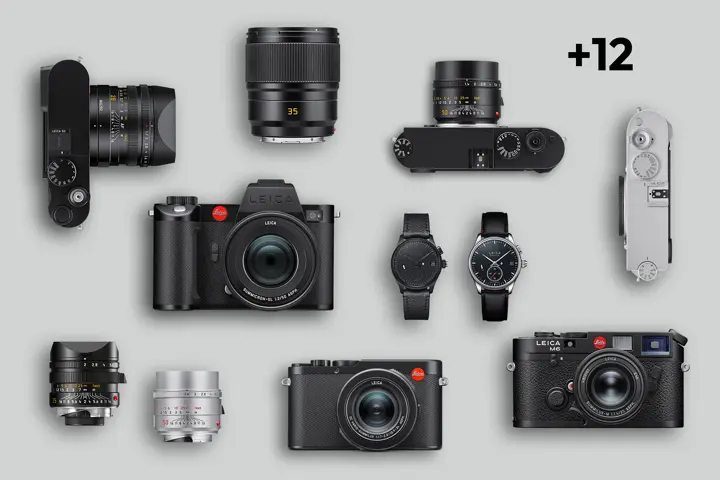
Register now and get an extended warranty
By registering your product, you can extend the warranty on your Leica camera or lens for an additional 12 months. This offer applies to all Leica cameras and lenses from the M-System, SL-System and Q series, as well as Leica Watches. It will be automatically activated after completing your profile and registering to receive Leica News.