Leica SOFORT 2 Burton Edition
Das Wesentliche
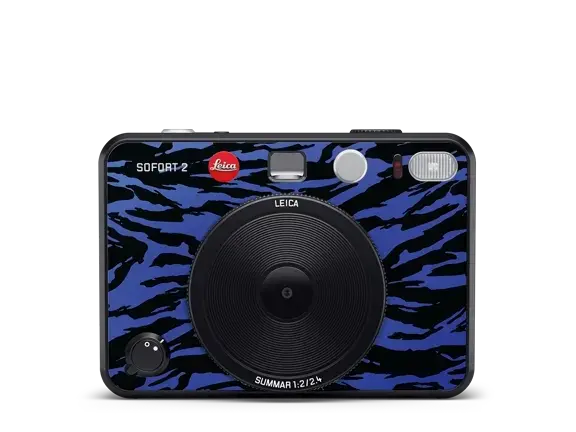
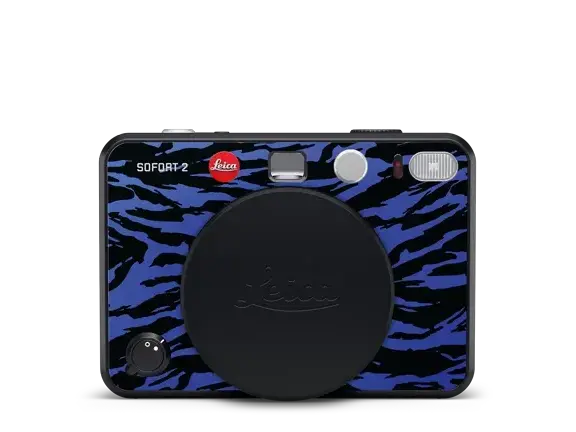
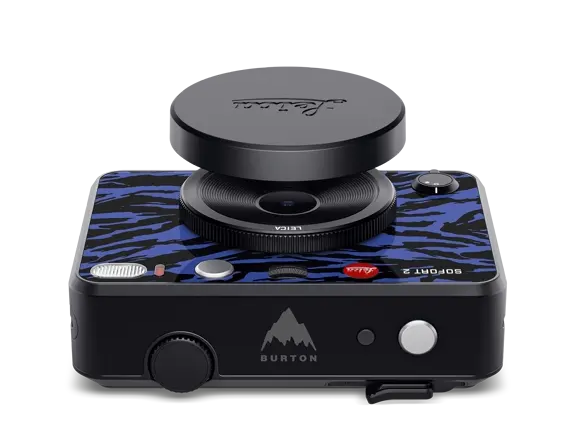
Hybrid instant camera in the exclusive “Jake Blue” design
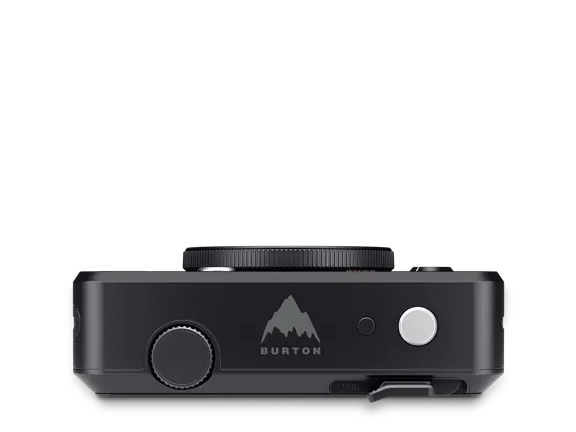
Features the "Mountain Logo" as a homage to Jake Burton Carpenter
Subtle gloss of details in black
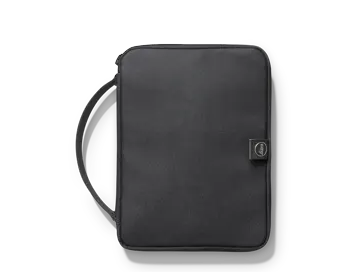
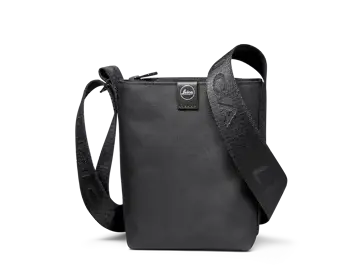
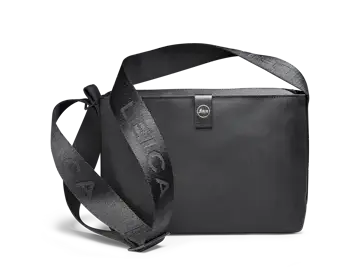
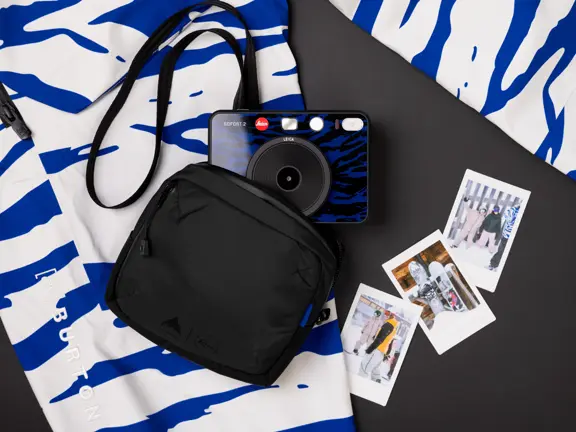
Comes with a high-quality camera pouch from Burton
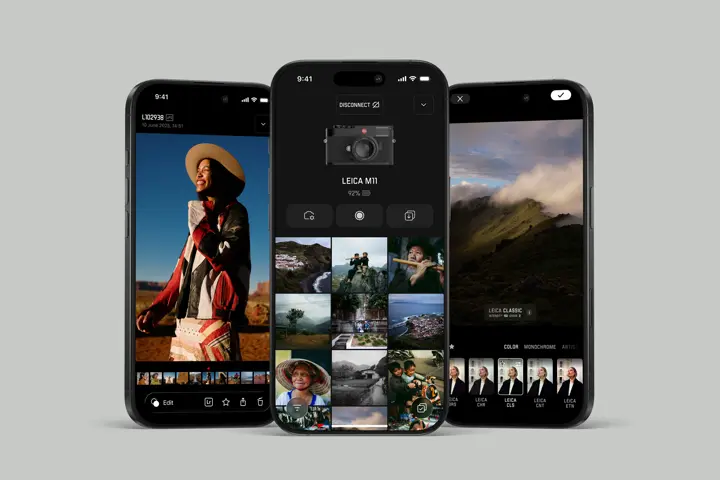
Connects seamlessly to the Leica FOTOS App
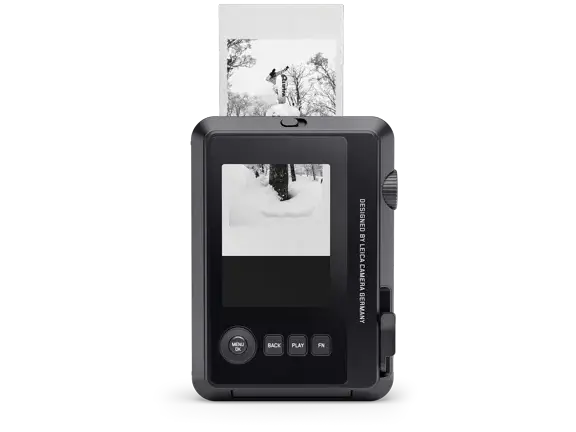
Allows you to transfer and print all images from the Leica FOTOS App Gallery and from your smartphone
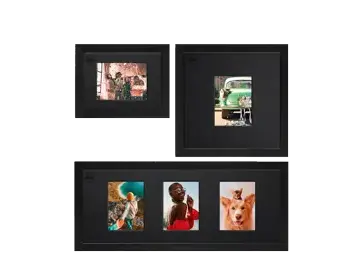
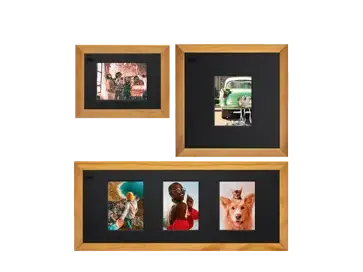
Jake Burton Carpenter, snowboard pioneer and founder of Burton Snowboards, dedicated his life to this sport, transforming a backyard pastime into the world-class discipline we know today. Jake Burton captured his inspirations with his trusted Leica camera, taking photos of friends and family and posting them on a corkboard in his kitchen. Boasting a stylish pattern, it is based on the exclusive “Jake Blue” look. Further subtle touches are added by the mountain logo on the camera top cover combined with glossy black details. The special edition of the hybrid instant camera comes with a practical Burton camera bag, ensuring that the camera is nicely protected and close to hand.
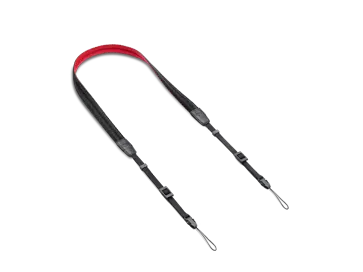
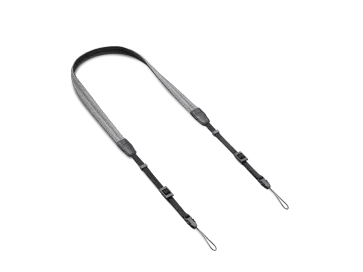
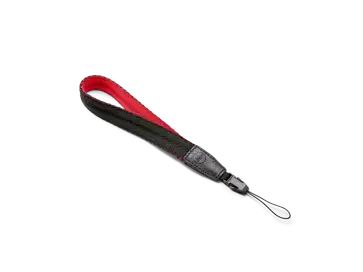
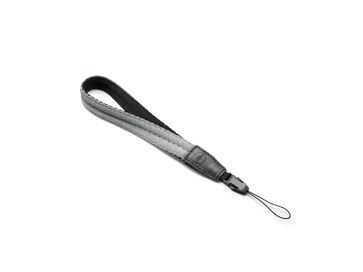
Leica SOFORT 2 Burton Edition, Carrying strap, Burton camera bag with strap, Lens cap, USB-C cable, Quick start guide
Brand: Leica
Company Name: Leica Camera AG
Street Address: Am Leitz-Park 5
Country: Germany
Postal Code: 35578
City: Wetzlar
Person Responsible: Leica Produkt Support
Email Address: info@leica-camera.com
Phone Number: +49 6441 2080 111
SAFETY REMARKSGeneral Information
- Do not use your camera in the immediate vicinity of devices that generate powerful magnetic, electrostatic or electromagnetic fields (e.g., induction ovens, microwave ovens, television sets or computer screens, video game consoles, cell phones, broadcasting equipment). Their electromagnetic fields can interfere with image capturing.
- Strong magnetic fields, e.g., from speakers or large electric motors, can damage the stored data or disrupt shooting.
- Switch off the camera and switch it back on in case of a camera malfunction due to the effects of electromagnetic fields.
- Always store small parts, e.g., the accessory shoe cover, as follows:
- Out of the reach of children
- In a safe location, where they will not get lost or stolen
- State-of-the-art electronic components are sensitive to static discharge. You can easily pick up charges of several 10,000 volts by simply walking on synthetic floor coverings. A static discharge can occur when you touch the camera and especially if it is placed on a conductive surface. A static discharge on the camera housing poses no risk for the electronics. Despite built-in safety circuits, you should avoid direct contact with external camera contacts like those in the flash shoe.
- Only use accessories specified for this model to prevent faults, short circuits or electric shock.
- Do not attempt to remove parts of the housing (covers) yourself. Repairs must be done at authorized service centers only.
- Prevent any sand, dust or water penetration into the camera, e.g., during snowfall or rain or on the beach. Be extra careful when inserting or removing the memory card. Sand and dust can damage the camera, the lens and the memory card. Moisture can cause malfunctions and irreparable damage to the camera and memory card.
Lens
- A camera lens can have the effect of a magnifying glass when exposed to direct frontal sunlight. The camera must therefore be protected against extended exposure to direct sunlight.
- Attaching the lens cap and keeping the camera in the shade or ideally in its camera case will help prevent damage to the interior of the camera.
Rechargeable Battery
- New batteries must be charged before initial use to be ready for activation in the camera. A full charge is recommended, as the batteries are delivered in an only partially charged state.
- Never throw batteries into a fire as they may explode.
- Keep the battery away from sources of heat in case of leakage or if you smell burning. Leaked fluid can catch fire!
- The use of other chargers not approved by Leica Camera AG can cause damage to the batteries – and in extreme cases – cause serious or life-threatening injuries.
- Make sure that the power socket is freely accessible at all times.
- Do not attempt to open the battery or the charger. Repairs must only be carried out by authorized workshops.
First Aid
- Battery fluid may cause blindness if it comes into contact with the eyes. Rinse the eyes thoroughly with clean water immediately. Avoid rubbing. Seek medical attention immediately.
- Leaked battery fluid poses an injury hazard when it comes in contact with clothing or skin. Rinse the affected areas thoroughly with clean water.
Charger
- Using the charger in the vicinity of broadcasting receivers may interfere with reception. Ensure a distance of at least 1 m between the charger and the receiver.
- When the charger is in use, it may emit a buzzing sound – that is normal and not a malfunction.
- Disconnect the charger from the mains when it is not in use, as it consumes a very small amount of electricity, even if no battery is inserted.
- Always keep the charger contacts clean, and never short-circuit them.
Memory Card
- Never remove the memory card during a data save or card reading process. The camera must not be switched off or be subjected to impact or vibrations while working.
- Do not open the cover or remove the memory card or the battery from the camera while the status LED is lit, which indicates memory access. Data on the card may otherwise be destroyed and camera malfunctions may occur.
- Do not drop or bend memory cards as this will cause damage and result in the loss of stored data.
- Do not touch the connections on the reverse of the memory card and keep them clean and dry.
- Keep memory cards out of the reach of children. Swallowing a memory card may cause suffocation.
Sensor
- Cosmic radiation (e.g., during flights) may cause pixel defects.
Carry Strap
- Carry straps are usually made of very robust material. You should therefore keep it out of the reach of children. A carry strap is not a toy and poses a strangulation risk.
- Use the carry strap only for its intended purpose on a camera or on binoculars. Any other use poses the risk of injury and may possibly result in damage to the carry strap and is therefore not permitted.
- Carry straps should also not be used for cameras/binoculars during sports activities that pose a risk of entanglement (e.g., when mountain climbing and similar outdoor activities).
Tripod
- When using a tripod, make sure it is standing securely and turn the camera only by turning the tripod, not the actual camera.
- Ensure that the tripod screw is hand-tightened only.
- Avoid transporting the camera while the tripod is attached. You might injure yourself or others and the camera could get damaged.
Film Packs and Prints
- Keep prints out of the reach of children. Please also note the information contained in the documentation accompanying each film pack.
Bluetooth
- Wirelessly transmitted data (images) may be intercepted by third parties. The safety of data transmitted via wireless networks cannot be guaranteed.
- Do not use the device in areas where it may be exposed to magnetic fields, static electricity, or radio frequency interference (RFI).
- Do not use the transmitter in the immediate vicinity of microwave ovens or other devices where the reception of wireless signals may be disrupted by magnetic fields, static electricity, or RFI. Other wireless devices operating in the 2.4 GHz band in the vicinity of the device may cause mutual interference.
- The Bluetooth transmitter operates in the 2.4 GHz frequency band. The standard output strength is approx. 3.16 mW.