Cameras for Videography

Images That Move
In photography, thinking about lighting, timing and image composition is a matter of course. The transition to composing moving images is therefore often easier than it may seem. Leica cameras for videography combine excellent image quality with user-friendly operation and functions, opening the door to elaborate video productions. The Leica SL- and Q-Cameras provide an intuitive gateway to the world of video and will continue to meet your needs as your ambitions grow. For moving images that tell stories dynamically and enable creativity in post-processing.
Format, Look, Exposure and Workflow
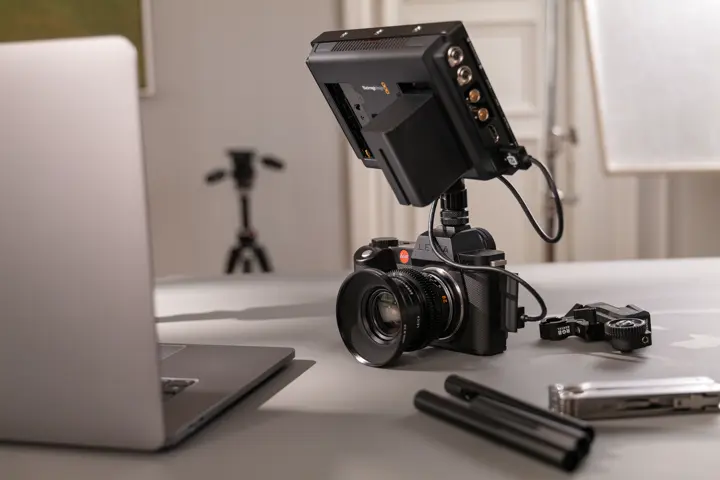
In video, not every feature is equally important in every situation. What matters most is the difference it makes in the end. The following topics show which modern features will help you on set with framing, lighting, looks and motion, as well as workflow. Different features are available depending on the camera model.
Open Gate Video Recording
The Entire Sensor Surface – for Greater Creative Freedom during Post-Production
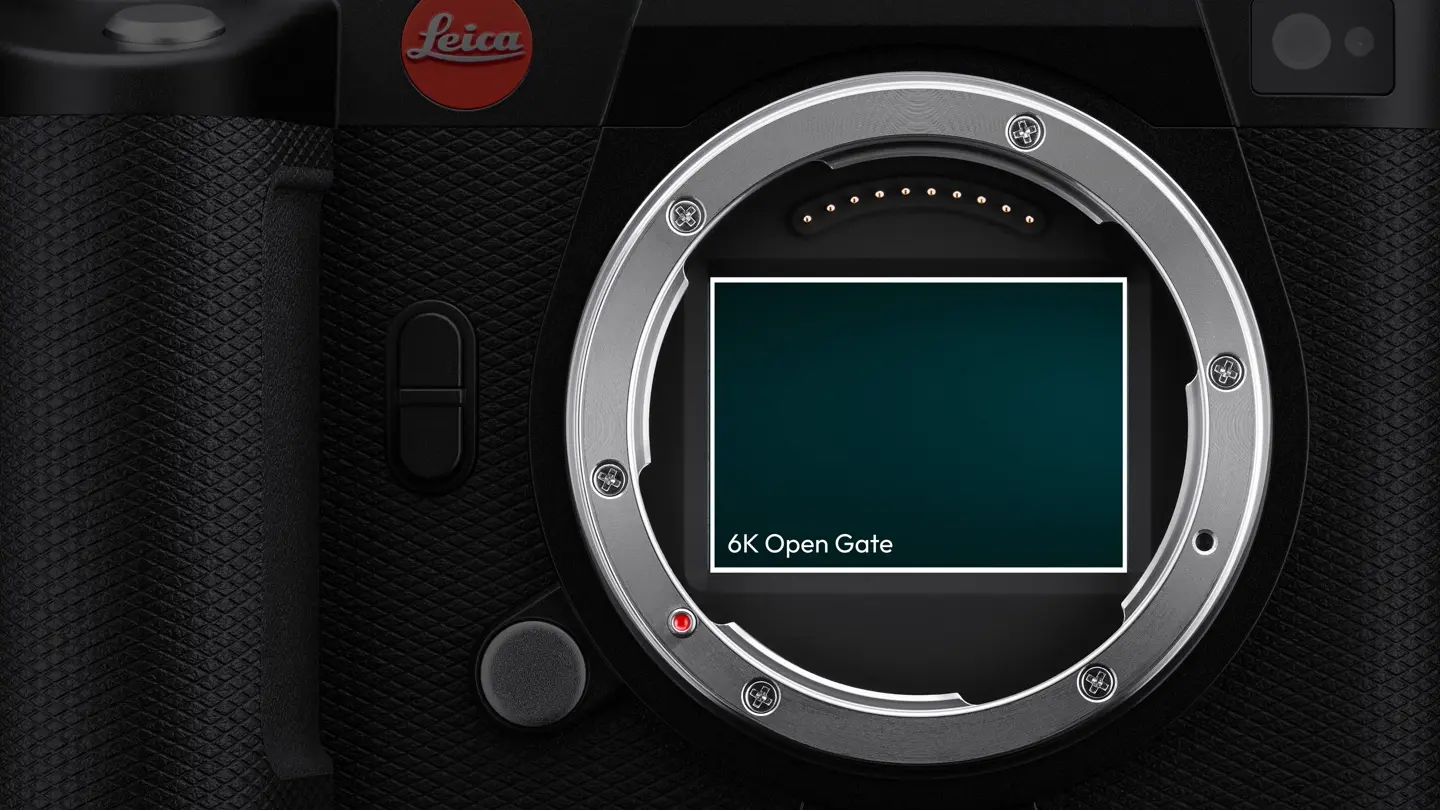
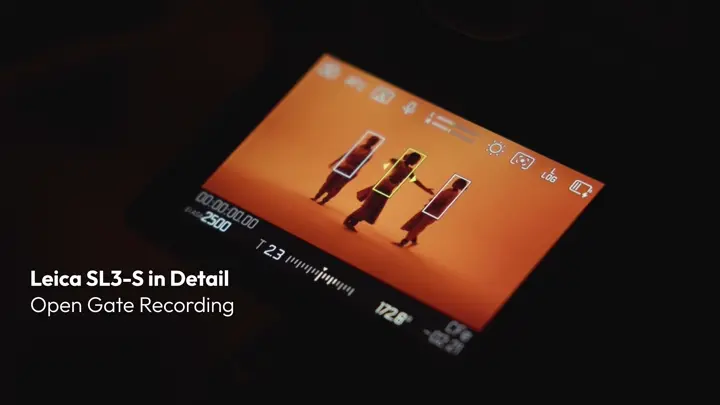
Those who produce content for various formats benefit from footage that offers more flexibility. Open gate means that the entire sensor surface is recorded in its native 3:2 format rather than cutting out a 16:9 frame. As a result, the Leica SL3-P and SL3-S record more image information over both the width and the height. The advantages can be seen later during editing: you can create a classic landscape format, square format or 9:16 portrait version from the same take. For hybrid productions in particular, this provides greater flexibility and is more future-proof, as the footage can be rearranged without sacrificing quality if platforms change their requirements.
LUTs
Choosing the Right Look While Shooting
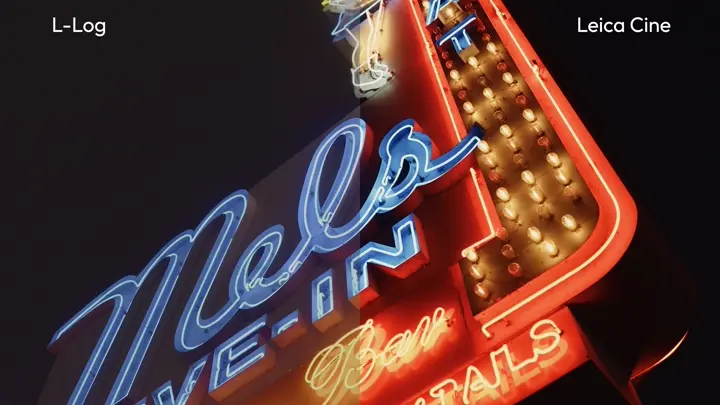
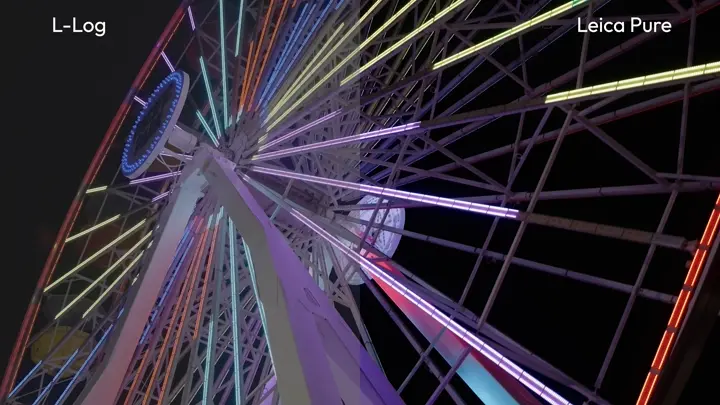
A lookup table (LUT) defines how colour and brightness values are translated to produce a desired visual result. This is particularly helpful when recording in Log (e.g., L-Log): the footage looks flat on purpose, so as to leave more scope for post-processing. When recording in L-Log, the selected LUT initially only affects the preview. The recording itself stays flexible for post-production, just as the DNG format does in digital photography. The LUT already shows you while shooting what the image will look like later. This allows you to reliably assess contrast, skin tones and the mood at an early stage. In addition to standard LUTs, Leica also offers the two Cinema LUTs “Leica Pure” and “Leica Cine”, providing different starting points for adjustment – from neutral to cinematic.
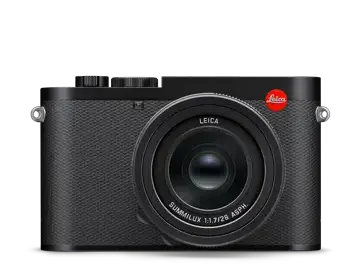
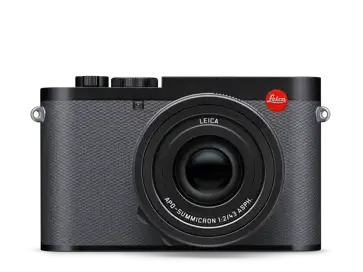
Which Leica Camera Is Most Suitable for Your Videography Style?
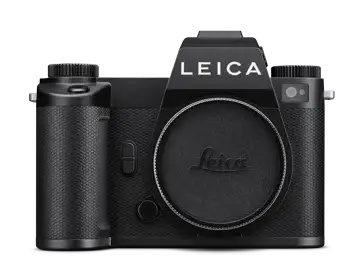
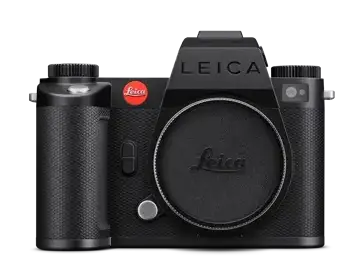
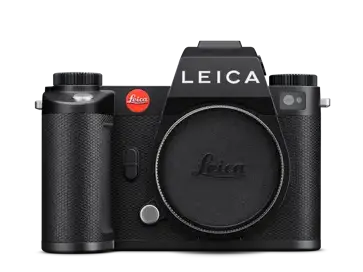
More Video Features Clearly Explained
Dynamic Range and L-Log
More Detail in Light and Dark
Dynamic range describes the area between an image’s darkest and brightest parts that the camera can capture while retaining details in both. The larger the area, the more details remain in the shadows and highlights. This is particularly beneficial in videography if lighting conditions vary a lot or the footage will undergo colour grading in post-production. L-Log is designed specifically for this purpose: the image initially appears flatter during shooting, but a great deal of information is preserved for post-processing.
Dynamic Range Boost
As Much Scope as the Subject Allows
Dynamic Range Boost reads more information from the sensor. It is thus capable of drawing additional details out of shadows and highlights. This is beneficial in high-contrast scenes and results in cleaner shadows in low-light conditions. The feature is designed to be used deliberately: rendering takes more time, so any rolling-shutter effect can become more pronounced. Dynamic Range Boost is particularly suitable for static subjects, controlled camera movement and situations where maximum dynamic range is more important than robust motion handling.
False Colour
Evaluating Exposure Immediately in the Image
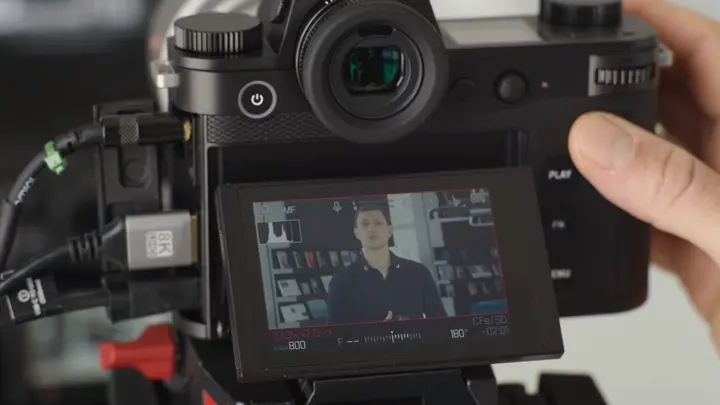
False Colour replaces parts of the image in previews with colour ranges representing a certain level of brightness. This shows you right away which parts of the image are properly lit, where highlights dominate or where shadows are too dark. This is particularly useful when shooting in Log mode, because the image on the screen appears flatter than it actually is. Unlike histograms or waveforms, False Colour displays the information directly on the subject. This adds certainty. The effect is, of course, not present in the final recording.
Filming Anamorphically
Getting the Framing Right with Desqueeze Preview
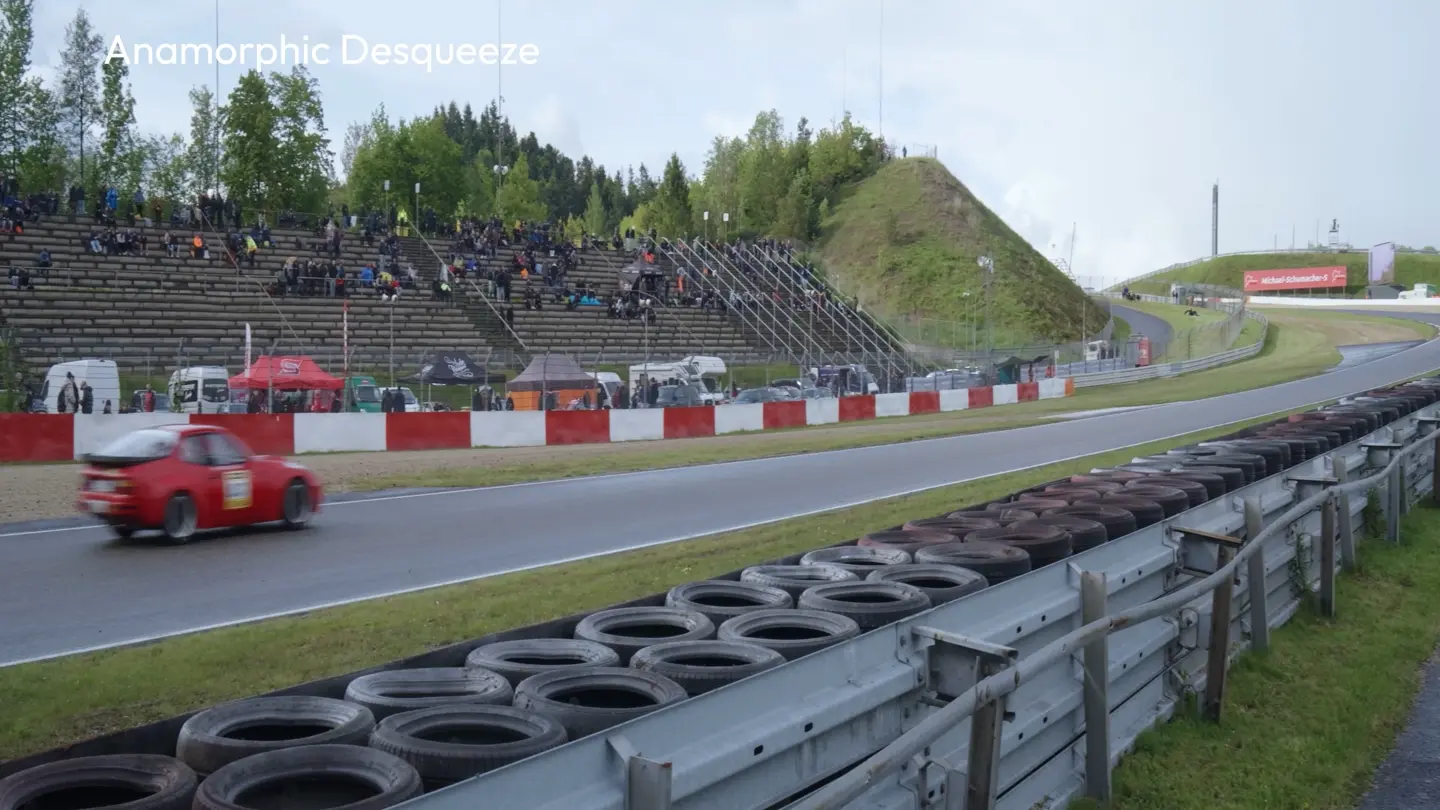
Anamorphic lenses optically compress the image width to create the big-screen look we know and love. Without correction, the image will look squeezed on the screen and in the viewfinder. The SL3-P’s desqueeze feature digitally decompresses the preview based on different ratios, so you see the correct framing while shooting. This makes it much easier to compose, focus and assess the image for cinematic decision-making. The special characteristics of anamorphic lenses, such as oval bokeh and cinematic flares, can thus be used to great effect.
The Right Lens for Your Creative Vision
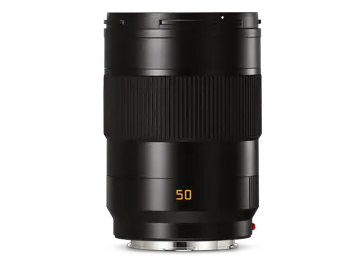
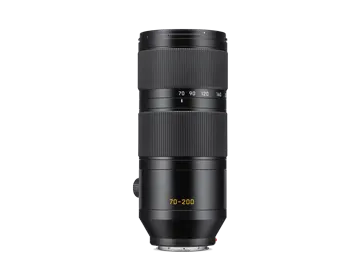
More cine lenses for L-Mount cameras: https://www.leitz-cine.com/product/hektor